I’d originally submitted my review of the Lenovo LOQ to Amazon. It would have been the first review of this product. However, it was rejected & apparently I was supposed to comb through through the community guidelines to figure out why, then write a completely new review. I say new, because when I clicked the “edit” button, it didn’t go to my original review. That was gone. It was a blank slate, so I had no way to compare what I’d written to see where I may have made a mistake.

I’ve written dozens of Amazon reviews over the years. Maybe  hundreds. However, it just seemed weird…hostile even… that they clearly knew what the issue was, but made a choice not to say what it was,  instead sending me to a wall of text to figure it out for myself.  That’s when it dawned on me that I was jumping through hoops to put content on someone else’s website, rather than just putting it on my own where I can say whatever I damn well please.

So here’s my uncensored review of running Linux on the – Lenovo 2024 LOQ (i7-13650HX || 15.6″ FHD (1920 x 1080) 144Hz || 32GB RAM DDR5 || 512GB SSD || NVIDIA RTX 4060 8G GDDR6) Windows 11 Home, Camera, HDMI 2.1, Ethernet RJ45, Gaming Laptop

Fair warning: I don’t game much so this isn’t a gaming performance review. There are many YouTubers that give this glowing gaming reviews & from what I’ve seen so far I have no reason to doubt the veracity of any of them.

Also: this article discusses my experience  installing & running Linux Mint, but I’m sure you can apply the basics to the Debian based distro of your choice.

⭐⭐⭐⭐⭐

The Lenovo LOQ is an elegant beast! Linux Mint, local LLMs run great. An Amazing value.

Lenovo LOQ design, & branding

I was already a fan of Lenovo laptops, currently possessing a T480, T14, an old T430 that’s still running, & a Lenovo Chromebook.

I’ve also been buying second hand Lenovo “business” laptops, refurbishing & upgrading them to use as daily drivers or for others who needed laptops for years. I’m a fan.

I narrowed down my choices based on my needs & concerns.

  1. I wanted to stick with Lenovo knowing how reliable they are, & relatively easy to repair & upgrade . However I’ve never thought of them as a “gaming” device, so this was new ground.
  2. Didn’t want a huge behemoth that had so much RGB spewing out of it’s orifices that I’d be embarrassed to take it out in public.
  3. I’d mostly be using it attached to my existing peripherals & 43″ 4k monitor. The screen was important, but I wasn’t basing my decision on it alone.
  4. I needed wanted NVIDIA graphics. I’m starting to play with local LLMs like Ollama, & GPT4All. While they do work with min specs, I was experiencing more slowness than I have the patience for. Also NVIDA’s RTX 30 series & above were now optimized to run local LLMs. 
  5. Since Windows continues to enshittify itself, I knew it was never going to touch this laptop, & I was going to install Linux out of the box (you know what you did Microsoft).  I’ve always had a great experience running Linux on Lenovo’s. This was also the first time I was buying new in a while, & I was a little protective about where I was going to spend my $1k+ since technically I didn’t need yet another computer. I just wanted one.
  6. I also didn’t want the important things soldered in & wanted expanded, internal storage options.

This laptop is an amazing value!

I watched reviews on pretty much everything out there right now in this price range, ASUS, ACER, HP, MSI, DELL. Most were a few hundred higher, & still had some shortcomings compared to this Lenovo…older graphics cards, less RAM out of the box, too big, not able to upgrade, & so on.

What you get here is pretty incredible:

  • A 13th Gen i7 (14 cores/20 threads)
  • NVIDIA RTX 4060
  • 32 GB RAM (out of the box), up-gradable to 64GB
  • 2nd full sized M.2 slot (more about the other in a second)
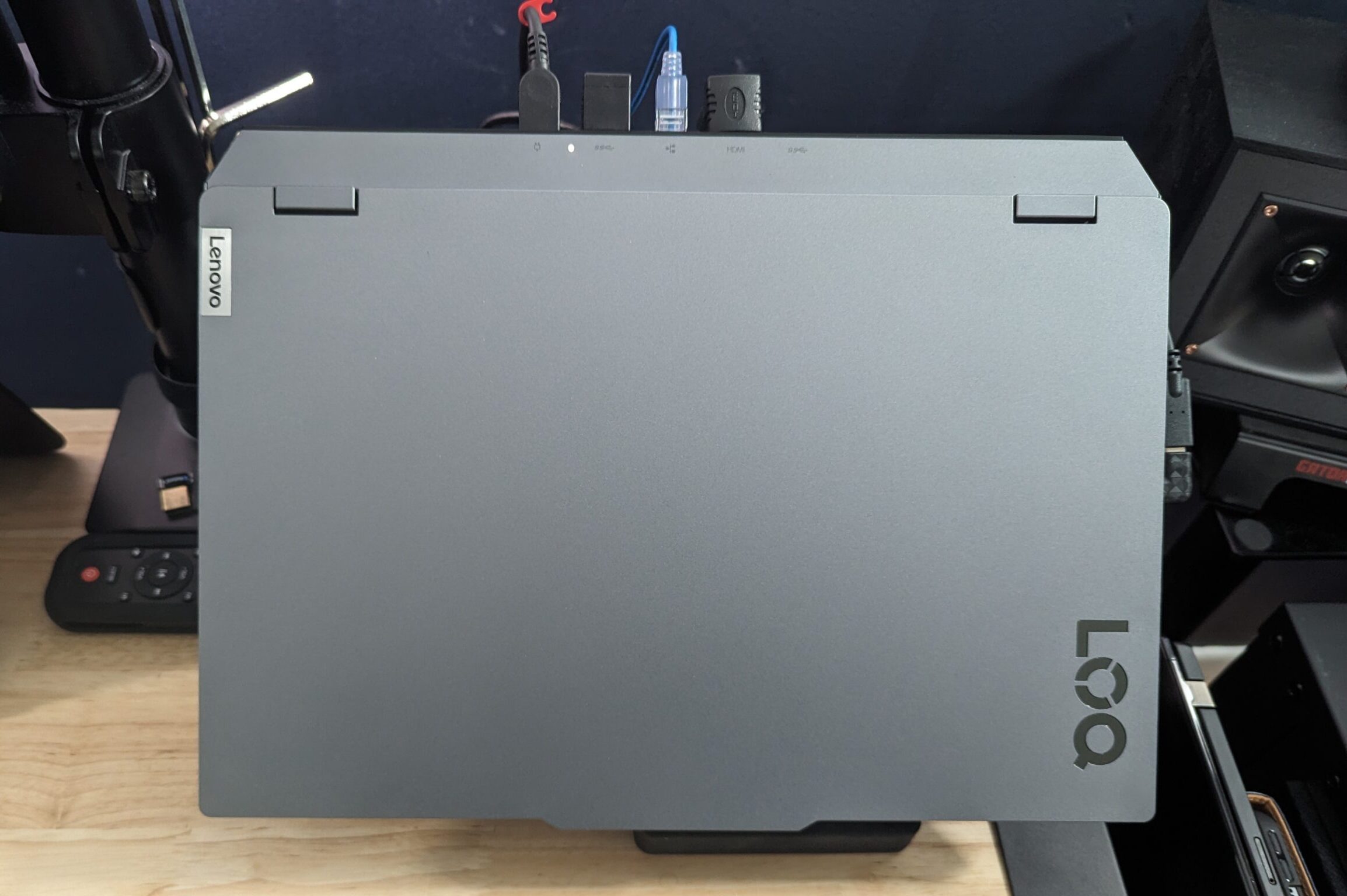
  • Generous ports including HDMI 4k output
  • For $1099?!? (at the time of this writing).

This is an awesome deal & I pulled the trigger immediately…well..after watching every review on YouTube I could find…but I did eventually pull the trigger.

Initial upgrades & installing Linux Mint

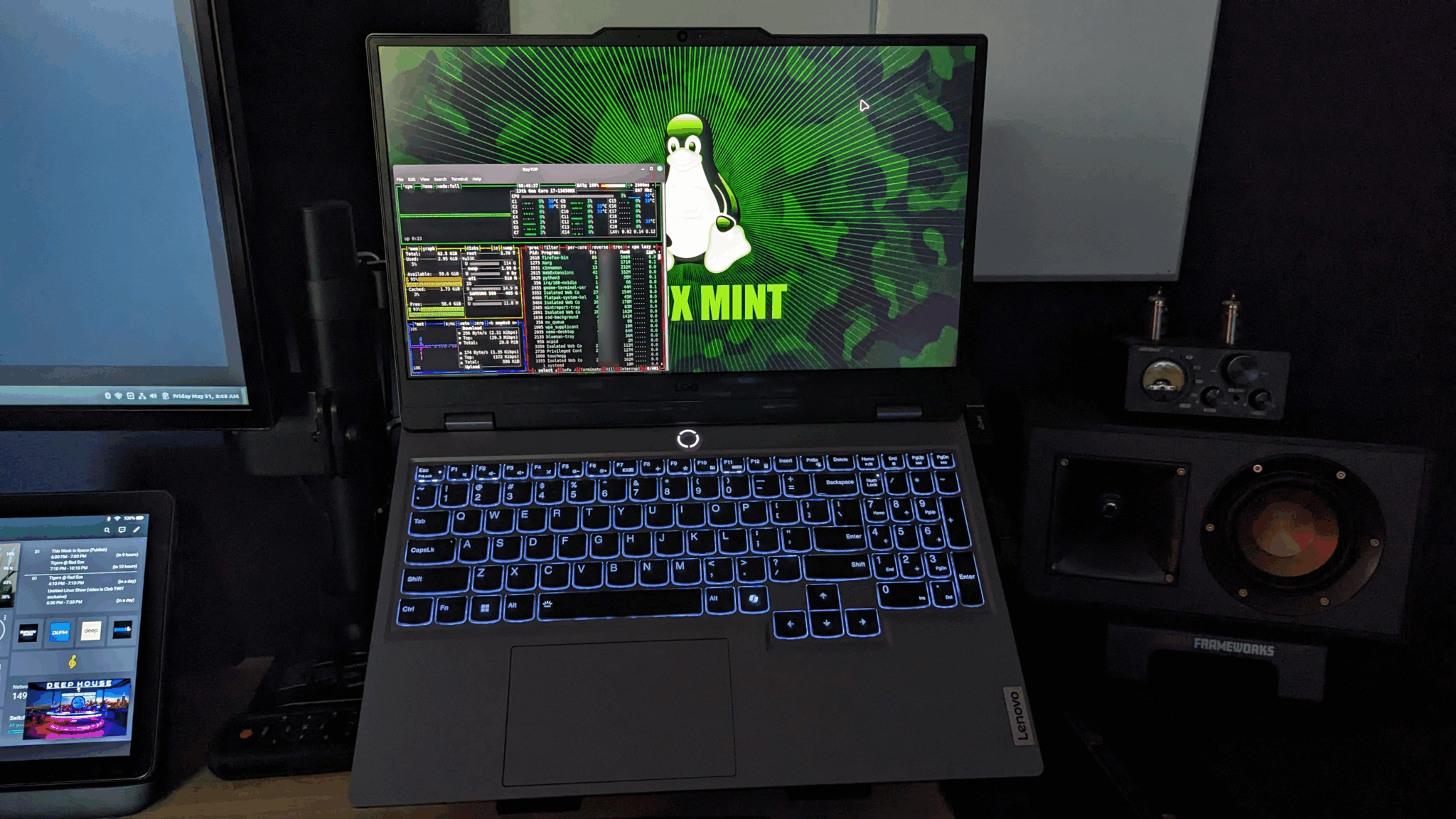
Lenovo LOQ lid open showing specs & running processes

Jarrod’s Tech was the only reviewer I found who mentioned that he’d installed Ubuntu & didn’t see any issues, & that the keyboard & track pad worked.  That was all the encouragement I needed since I was already about 90% in & this was my last concern.  Shout out to  Jarrod, & his YouTube channel. Thank you!

This laptop is perfect as is

Let me say up front this laptop, with the specs that it comes with out of the box is perfect the way it is. You don’t need to touch anything & its going to be lighting fast & awesome at whatever you throw at it.

It looks elegant & I really appreciate the understated branding & design that doesn’t look all “gamery” with RGB everywhere. That’s just not my style.

It’s about 20% longer (deeper?) than my Lenovo T14, but it still fits in all my current laptop bags.  It’s also about 5lbs, & feels like it’s built like a tank.

However, I’m a tinkerer & if there’s space to max something out I want to max it out.

So, right out the box I opened up the back & discovered that the boot drive was a shorty M.2. I’d seen these before but have never had one.

FYI- M.2 SSD’s come in a variety of sizes, & by size I mean physical dimensions:

  • 2230- the teeny tiny ones, & the size I mistakenly purchased not knowing there were other small ones.
  • 2242 – This is the size of the boot drive that it comes with.
  • 2260- A little bigger
  • 2280- The full size you’re probably used to, & the most common.
  • 22110 – Even larger.

The second M.2 slot is a full sized slot (thankfully).

Lenovo LOQ with the back off


Totally unnecessary upgrades

WD Black 2TB M.2 SSD

I already had a 2TB WD Black M.2 (2280) that I wanted to use, so I took out that Windows boot drive (the 2242), erased it to use for storage, put in the WD black, changed the boot order in the bios (F2 at boot) & immediately booted to a Linux Mint installation USB (F12 at boot) & proceeded to install Linux Mint.

Maxed out the RAM

I’m sure many of you are thinking this was overkill, 32GB is plenty…and it is. But the opportunity was there, so I picked up a 64GB set of Crucial DDR5 & installed it. Partially because I just wanted to, & also because I have another home for the 32GB that it came with.

Needless to say it flies.

Not gonna lie, I was pretty nervous about doing that without even turning it on. I should have booted to Windows to make sure everything worked first. That’s how badly I DID NOT want Windows anywhere near this laptop, didn’t want to have to sign into a Microsoft account, or connect it to the internet while Windows was on it in any way. Again (in my John Oliver voice) “YOU KNOW what you did Microsoft!”

I do not, however, recommend doing this. You really should boot it up first to check things out before modifying it in any way.

Installation seemed to go off without a hitch, laptop booted up & all seemed well.

It should be noted that by installing Linux you miss out on the Lenovo gaming software that lets you adjust things like fan speed & RGB colors on the keyboard (which I couldn’t care less about). There are  plenty of Linux resource monitors that you can install like BPYTOP, & you do still have access to the bios of course. For now I leave the fan speed on auto. As long as the keyboard lit up, the track pad worked, & I could access all of it’s raw power, it was all good.

It wasn’t all good

I was experiencing a few issues right out the gate:

  • The track pad didn’t work
  • I had no display out to my monitor from the dock.
  • The Cinnamon desktop kept crashing. Not the whole computer, just the desktop. I would just collapse to nothing but the background image, like 2 shortcuts & nothing was clickable.

I freaked for about 3 seconds before rolling up my sleeves & climbing down the rabbit hole to figure things out.

Thankfully I set that second drive up as storage. It came in handy for the many, many times I reinstalled Linux Mint trying to fix the issues.

I won’t drag things out. Here’s how I resolved things:

  1. I installed the recommended NVIDIA graphics drivers at the initial start screen in Linux Mint.
  2. In the bios, I selected Discrete graphics. I remembered this tip from one of the reviews I watched.
  3. My dock needed Display Link drivers. I can’t confirm that this was causing an issue, but I did realize I didn’t need the dock or those drivers…this has all the ports I need for all my stuff. Also the HDMI is directly connected to the graphics card. Why go through a dock?
  4.  And the big one (probably should be #1), I tripped over a thread somewhere (sorry I can’t find it again) that suggested to someone else that with their laptop of similar specs that they might want to try Linux Mint Edge which is optimized for newer hardware. So that’s what I did.  

Viola! Things started working!

  • The track pad now works
  • Monitor works, 4k/60. Check.
  • The desktop stopped crashing. I even left it overnight, came back in the morning & it woke up, & logged in, & kept on trucking. It’s been a few days now with no issues.

Update: Unfortunately the desktop did crash again since installing Linux Mint Edge. It’s been up ever since,  but crashing AFTER I installed the edge version did concern me. I’m assuming hoping a Linux update is needed to fix this issue. I’ll keep an eye on it.

Unrecognizable chip set on boot

At boot I’m seeing this “Unrecognizable chip set” error .  I’m confident it’s not the 4060 since those drivers are installed, & there are no errors in the application settings. Also doesn’t make sense that it would be the 17.

HOWEVER, this laptop comes with Lenovo’s new LA AI chip, which they say is the world’s first dedicated AI chip on a gaming laptop.

I’m pretty sure this is it.  I’ve been unsuccessful finding much info about it other than press releases, & definitely no mention of it in relation to Linux, no drivers, no one else is really talking about it.

It doesn’t seem to affect normal performance, & the laptop is running great. I would however like to track it down & not have that error. Again, hopefully a Linux update will finally get around to addressing this new chip set.

Will it run Crysis?

Sorry, I couldn’t resist. I have no idea if it will run Crysis, but i did try it with the things that were most important to me right now.


GPT4All

Finally got around to testing local LLMs. I immediately installed GPT4ALL, loaded it up with data, selected my model & started querying.  So far it’s awesome! Whereas before on dedicated graphics it was good, but it had to think for a bit on every query. Now it’s spitting out answers like a gatling gun.  That’s not to say for some of the more complicated tasks there’s never a pause, but it’s MUCH faster now & my $1k+ gamble that this would be a better experience has been confirmed (*Success Kid meme).

Still running tests, will check out Ollama & some others, but I’m very happy with my choice. Obviously as a daily driver it flies through tasks, & is probably overkill for most, but not for a power hungry tinkerer like me. I haven’t had a dedicated graphics card since the “VR Ready” AMD Radeon RX 480, so I’m in heaven right now.

NVIDIA Chat RTX

I would love to check this out, but unfortunately it seems to only work with Windows.

VMWare Workstation Pro

Although I haven’t done any extensive testing, VMWare Workstation Pro also runs great, & you have plenty of cores & RAM to throw at your virtualization without slowing down the laptop for other tasks.

Steam

I did put Steam on it & fired up a tank battle game, & it was great. It looked great & ran great, but again not a gamer so I don’t want to waste anyone’s time pretending I know what’s going to be important to gamers.

Some caveats & wishes

  • This only came with 512GB M.2 SSD. Not a deal breaker since I knew I was going to upgrade that immediately, but if you’re not upgrading out of the box like a lunatic, & don’t have any other storage options, it’s something to consider.
  • I wish it had 2 full sized (2280) M.2 slots. Those high storage, tiny ones are expensive & I couldn’t find that WD (my preferred brand ATM) made that size in their Black series.
  • I was stuck on the fact that it did not have Thunderbolt, but since my monitor works fine, the USB-C is fine for data transfer, plus the other USB 3.x ports, I’m not really missing it.
  • There is clearly more space for the larger battery. However given the specs, the price, & the fact that this is not going to be running or battery much, this was easy to let go of. It seems like this would be up-gradable down the line.
  • The co-pilot button. As someone said to me on Discord, “For a Linux user this is like having a second Windows button“.  I’ll probably just map it to something else, & since I’m using an external keyboard I don’t have to look at it all day. I do have Edge for Linux installed, & do play with Co-pilot sometimes.  On my Windows machine I  have the shortcut in the dock (yes, I have one, that’s why I don’t need another). If that’s not convenient enough l can open the Edge browser & guess what’s there? Co-Pilot!  Open an office app? CO-PILOT!  It’s  EVERYWHERE. There didn’t need to be a button for it because you can’t escape it.
  • I wish all the Lenovo customization software had a Linux version. Given how much the Linux community LOVES Lenovo laptops, I hope they rectify this soon. (Yes I recognize all the “Why would you want that?” opinions).
  • It doesn’t have those cool blue accents over the vents that I’d seen in all the reviews. I was kinda disappointed in that :(.
  • Be great if computers came with a “choose your operating system” at boot option. Even if it were just a prompt to go ahead & insert your .iso USB stick if you want to install a “custom” operating system, or proceed to install Windows. But that’s more of a complaint in general & not at this specific device.
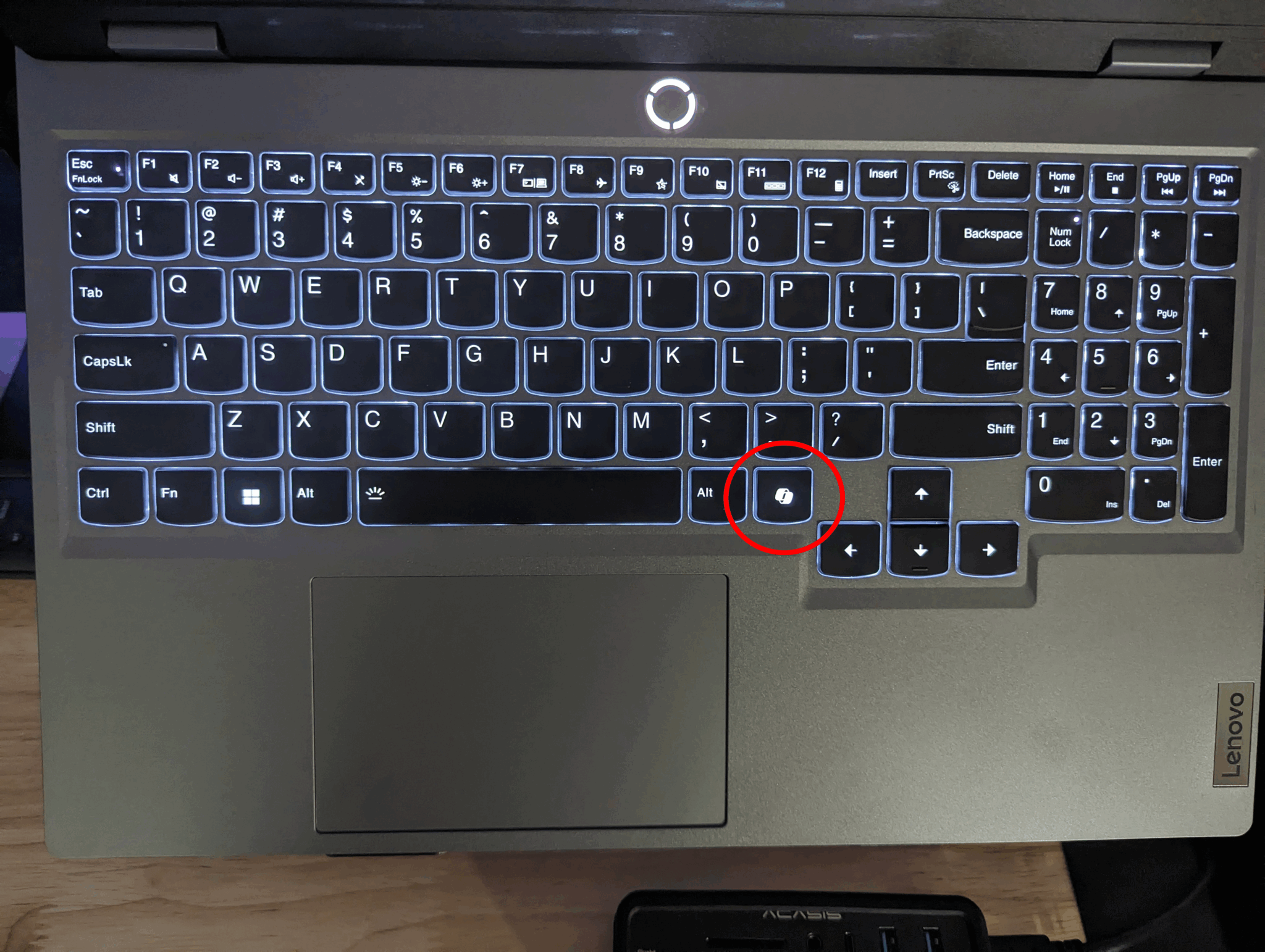
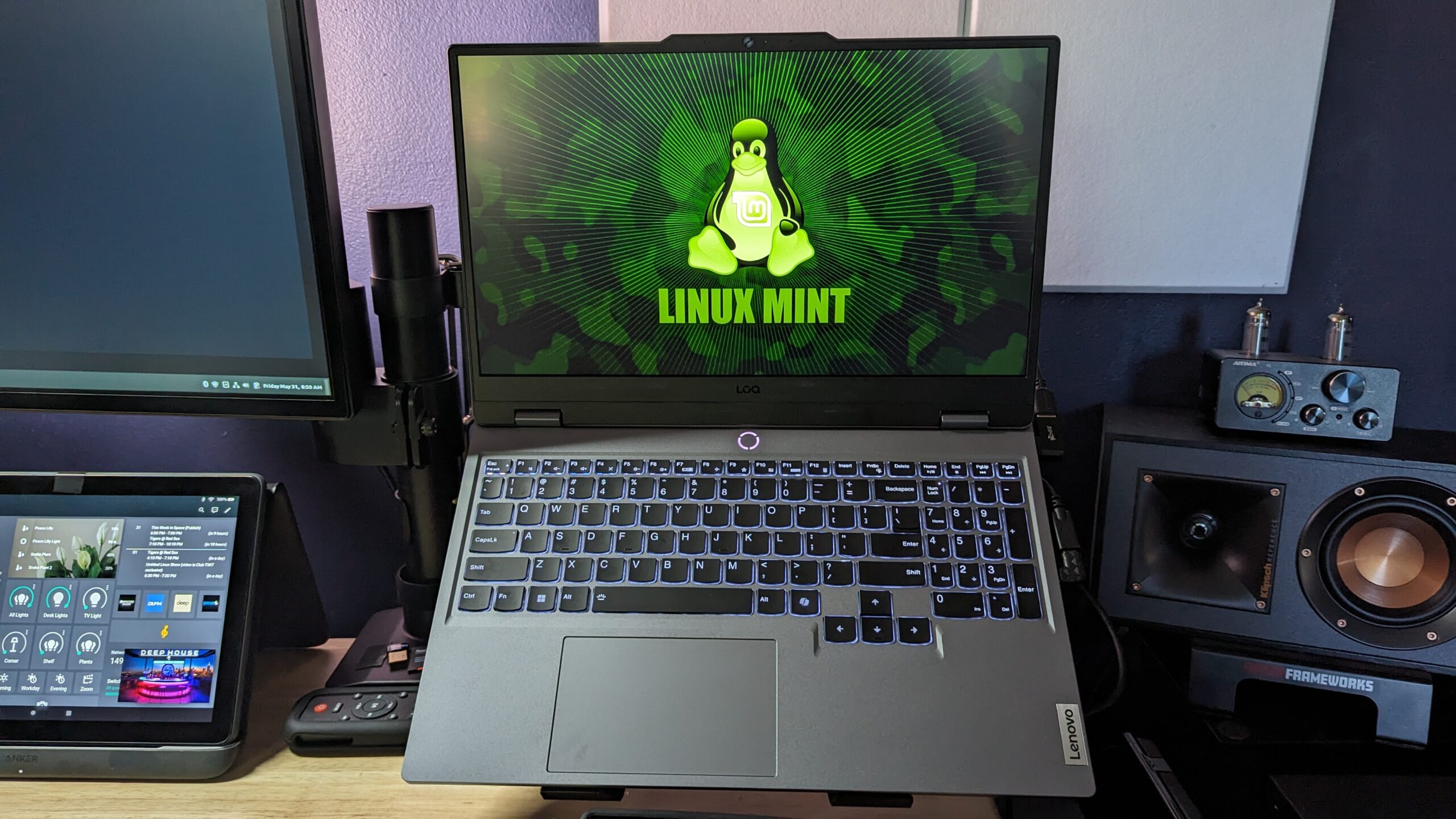
Lenovo LOQ keyboard, Co-Pilot button
2024 Lenovo LOQ backlit keyboard
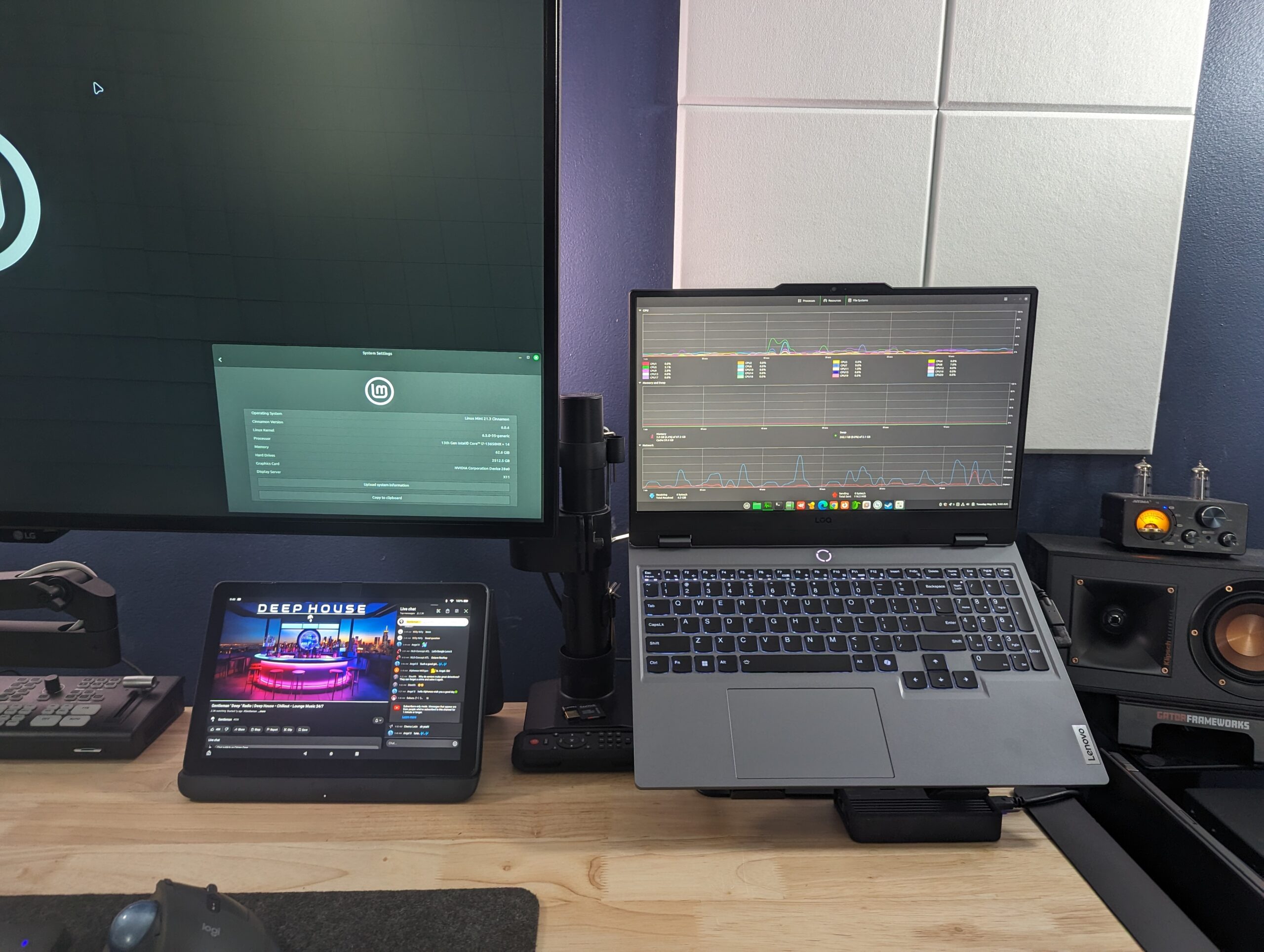
Lenovo LOQ running Linux Mint
2024 Lenovo LOQ with NVIDA 4060 running Linux Mint

Final thoughts

Short & sweet.  This is an amazing laptop, & an amazing value. I can’t impress upon you how great of a value this is for the price (PC World seems to agree, & they are reviewing an i7 7435HS processor, & 16GB RAM). It was already an animal, but with a few upgrades over time you can turn it into a beast. I highly recommend it to anyone who has similar needs or just wants an awesome new daily driver.

* Update- 6/2 -GPT4All not querying local docs.

After playing around with GPT4All including building a significant knowledge base, & setting up the paths using the local docs plug in, I realized that it wasn’t drawing from my local documents. It was answering based on it’s already included training.
I tried everything I could to make it work, including reinstalling, using different models, simplifying file names, shorter directory paths, increasing token size…nothing worked.

It repeatedly confirmed to me that it did not have access to local files only it’s training.

I looked around online & it seems others have had this issue & none of the suggestions seemed to work.

Querying local docs is it’s main selling point. It’s core function.  I’m not spending hours trying to make something work the way it’s supposed to.

To say I’m disappointed is a understatement. 

I uninstalled it, & am now checking out Open-WebUI.

Additional update: I did test Open Web UI & wrote about my findings with local docs here- https://haroldmansfield.com/can-you-use-a-local-llm-with-your-business-or-proprietary-data/

* Update on desktop crashing issue

On further investigation & digging into the logs, it seems as if it wasn’t the Cinnamon desktop that was crashing, it was the WD Black M.2 SSD that was failing to write properly.

Unfortunately WD doesn’t make a Linux version of their SSD firmware updater. (Windows only).

I did find a Linux updater originally from Framework Laptops ( I believe) but was unable to get it to work. Upon searching to see if there was even an update available for my version (SN770) of the WD M.2, there didn’t seem to be a firmware update at all.

At this point it’s starting to be more trouble than it’s worth & with no way to even update the firmware, I decided it was time to cut bait & go back to trusty old Samsung which does have a Linux version of their firmware updater, 

I reinstalled Mint on a new SAMSUNG 990 PRO SSD 2TB  and haven’t had any issues since.