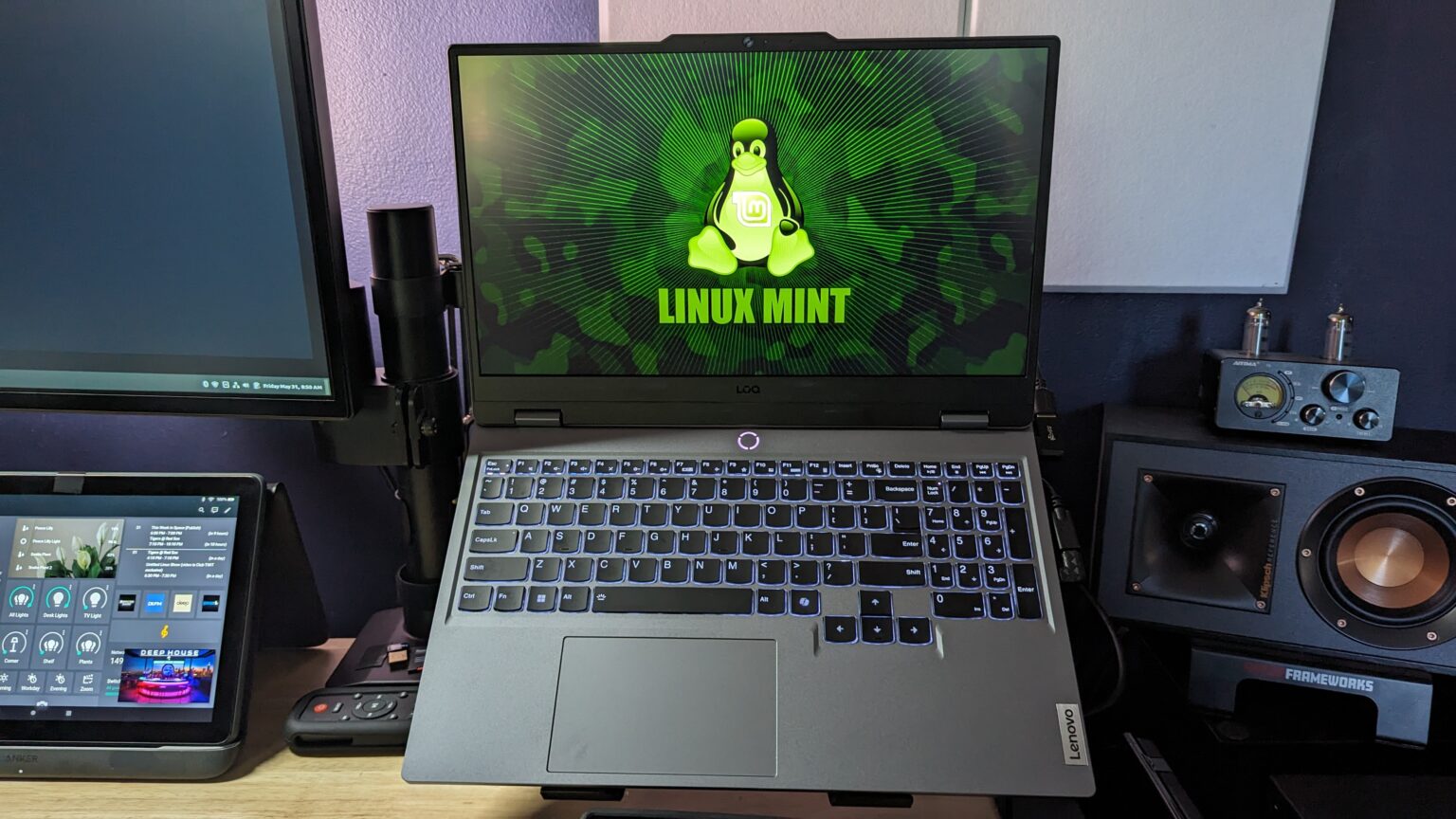
About a year ago I found an amazing deal on a Lenovo LOQ i7-13650HX (14 cores/20 threads) – NVIDIA RTX 4060 (GDDR6) that came with 32GB DDR5 RAM for $1099. (same model is now $1478. Yowza!)
The only 2 cons were that it only had a 512GB SSD (boot drive), but I was going to upgrade that anyway (it also has a full sized M.2 storage drive). Also the screen was only 1920×1080. Still not a deal breaker since I wasn’t much of a gamer and it would always been connected to a 43″ 4k monitor (it outputs in 4k/60).
My goal was that I needed something with a little more “umph” to run local LLMs.
I’d also planned on running Linux Mint on it, forever.
After a few upgrades (2TB Samsung SSD- $149, 64GB RAM – $144 ), some technical issues with first WD Black drive, and some initial Linux driver issues ( wrote about that here), I finally got it set up just how I wanted it.
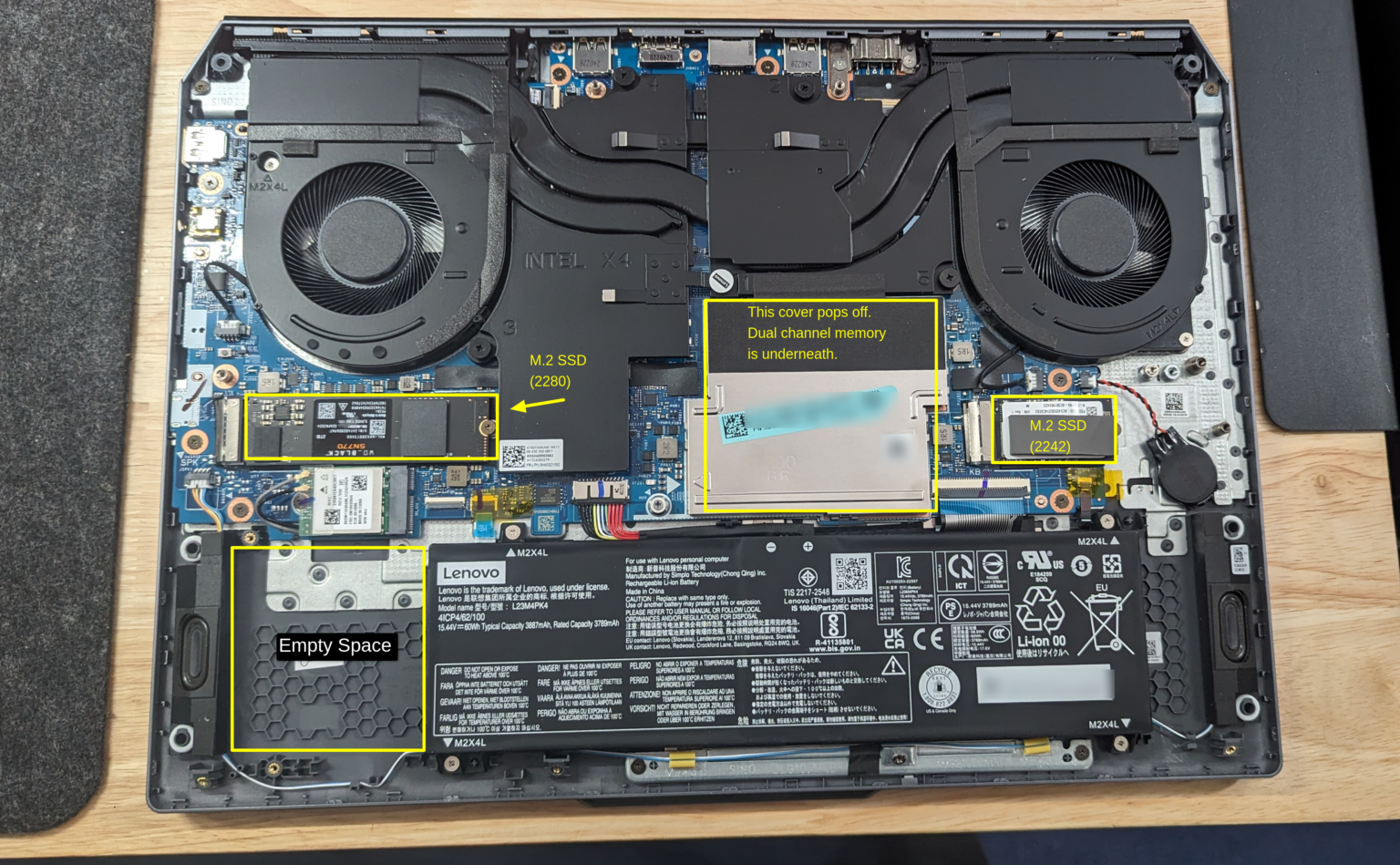
Here’s what I wrote about it at the time:
This is an awesome deal & I pulled the trigger immediately…well..after watching every review on YouTube I could find…but I did eventually pull the trigger.
Let me say up front this laptop, with the specs that it comes with out of the box is perfect the way it is. You don’t need to touch anything & its going to be lighting fast & awesome at whatever you throw at it.
It looks elegant & I really appreciate the understated branding & design that doesn’t look all “gamery” with RGB everywhere. That’s just not my style.
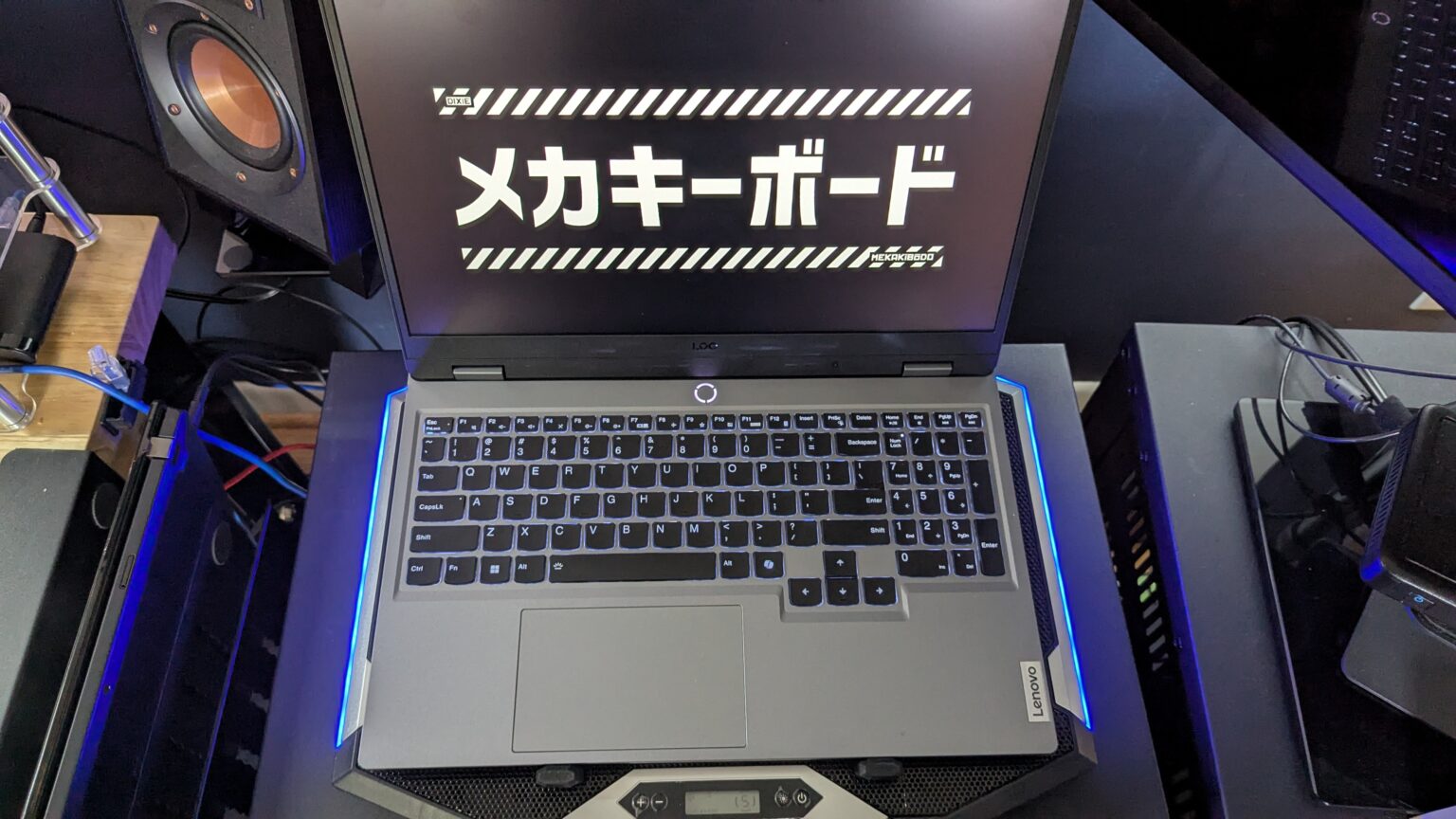
It’s about 20% longer (deeper?) than my Lenovo T14, but it still fits in all my current laptop bags. It’s also about 5lbs, & feels like it’s built like a tank.
However, I’m a tinkerer & if there’s space to max something out I want to max it out.
Flash forward a few weeks and I realized (once again) that I couldn’t run Linux as my daily driver for work. Too many peripherals ( camera, audio interface, and so on) were Windows dependent :(. It didn’t make sense to waste all those resources on a laptop that I barely got to use, so sadly I ended up putting Windows 11 Pro on it so that I could use it as my daily driver. I cried a little, but that’s OK.
Still no complaints, it ran swimmingly and since I was now running Windows I was able to take advantage of all of NVIDIAs tools and drivers, including ChatRTX when that came out.
I couldn’t find the exact same rig with the same specs, but with a 4TB SSD today (June 2025) would still run you about $1599. (Curiously, a better deal than the original price with lower specs).
Well, if you were expecting me to tell you how terrible things started going and how I regret the purchase I am sorry to disappoint you. A year on and this is still a fabulous laptop. Dare I say one of the best purchases for the money I’ve made in a long time.
I haven’t noticed any slow downs, glitches..nothing. It’s just as smooth as it was the first day I took it out of the box.
I’ve definitely been running local LLMs on it, even some fairly large models with no issues. Very smooth. I’ve tried most of the clients…Ollama, GPT4ALL, Pinokio (not sure what was up with that one, but I ended up uninstalling it), Open WebUI, but ultimately the one I use most is LM Studio.
It’s a very nice UI, and installing models is a breeze.
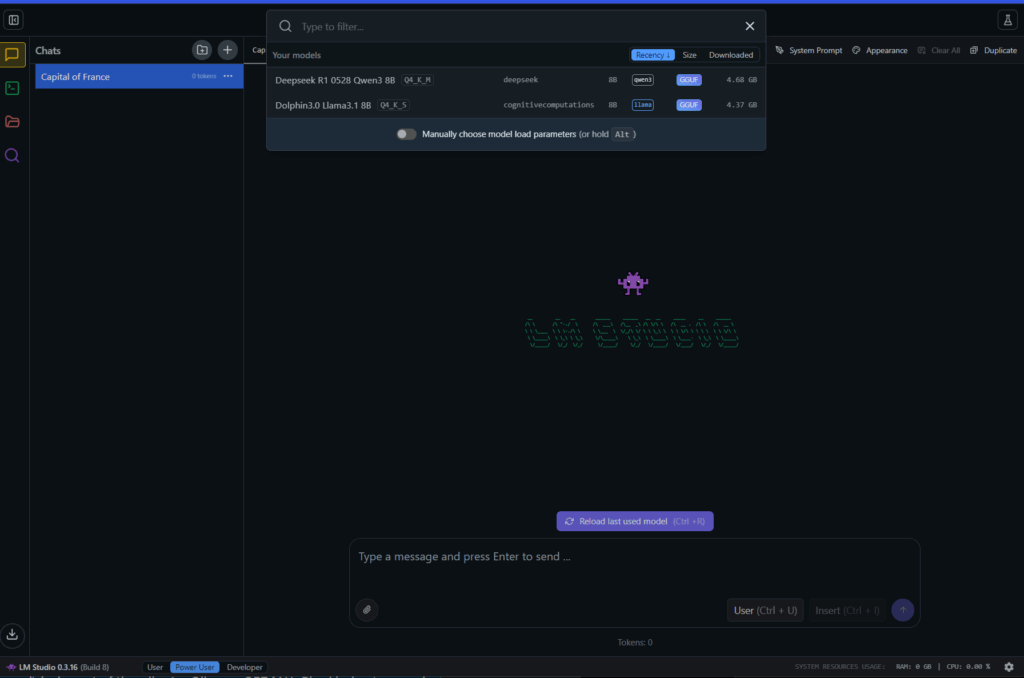
Currently playing around with Deepseek R1, Dolphin (uncensored), and I really like Qwen 3. Everything has run well, no log, no waiting, very smooth.
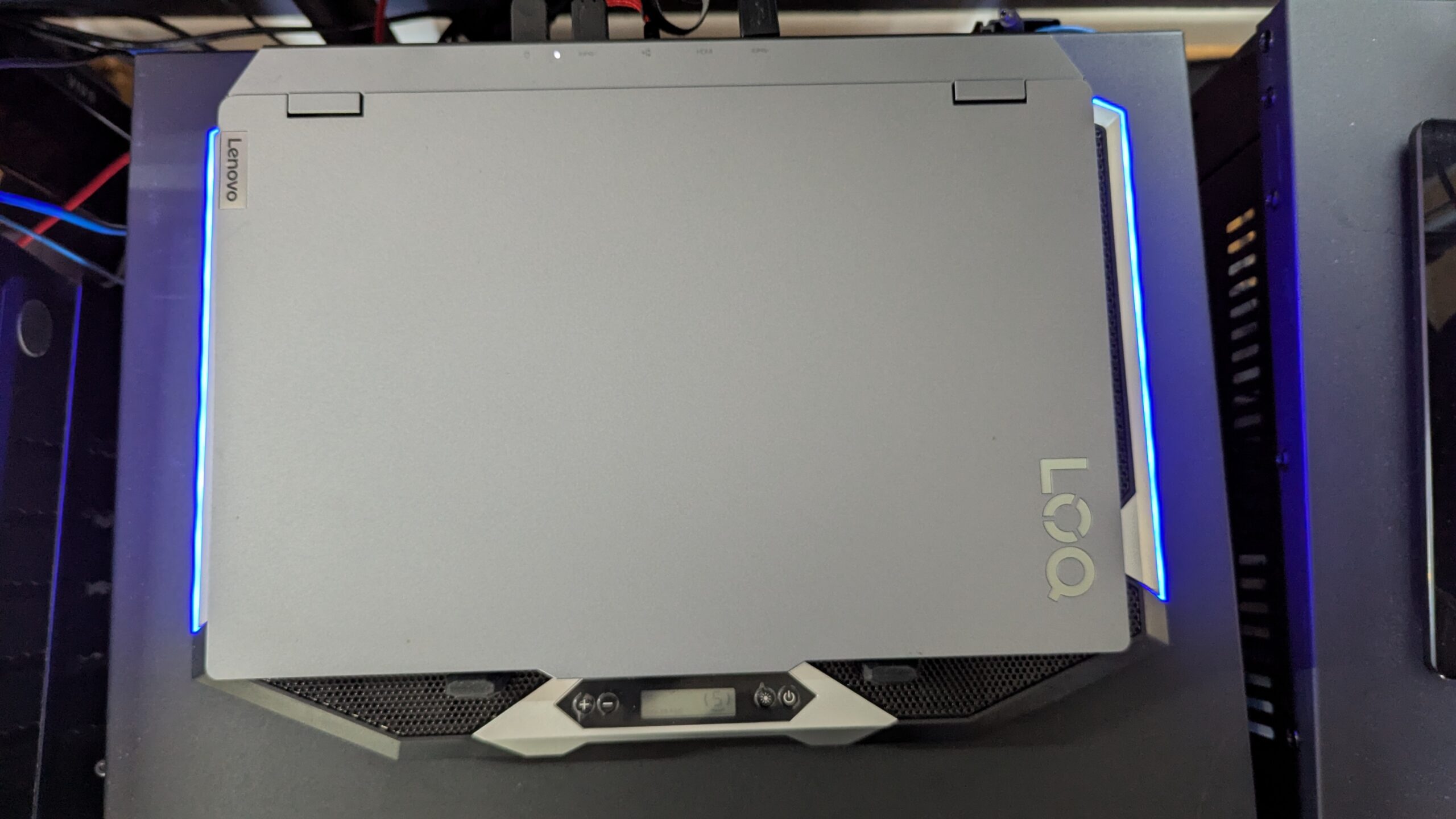
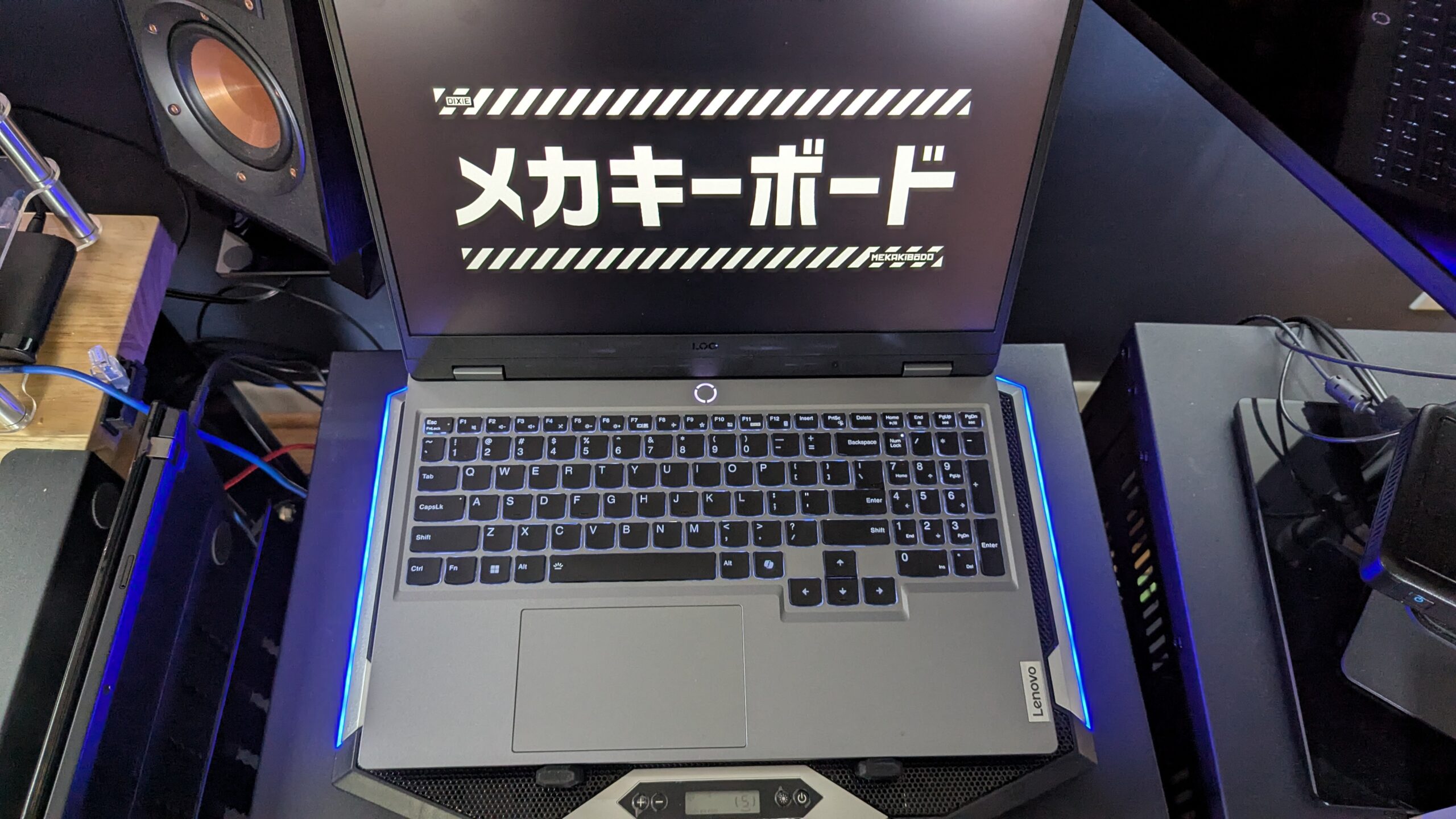
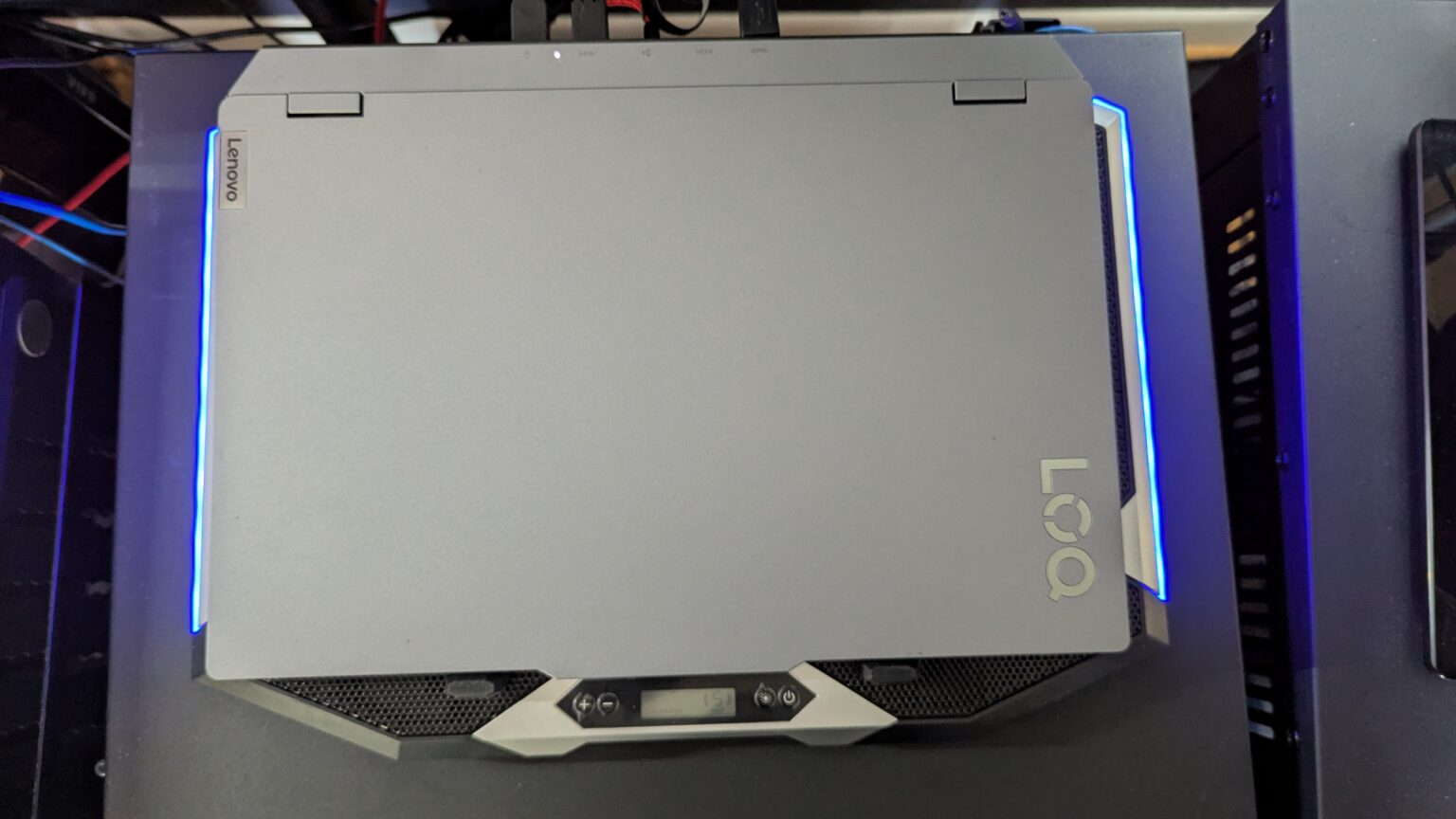
The fans do kick up every now and then (very quietly) so I put it on one of those coolers for now. Seems to work well to keep it cool.

AI Consultant & Integration Specialist | AI Operations | Build in Public AI SkunkWorks @ The Samaritan Project | Sec+ CySA+ | SMB Consultants
Comments are closed.