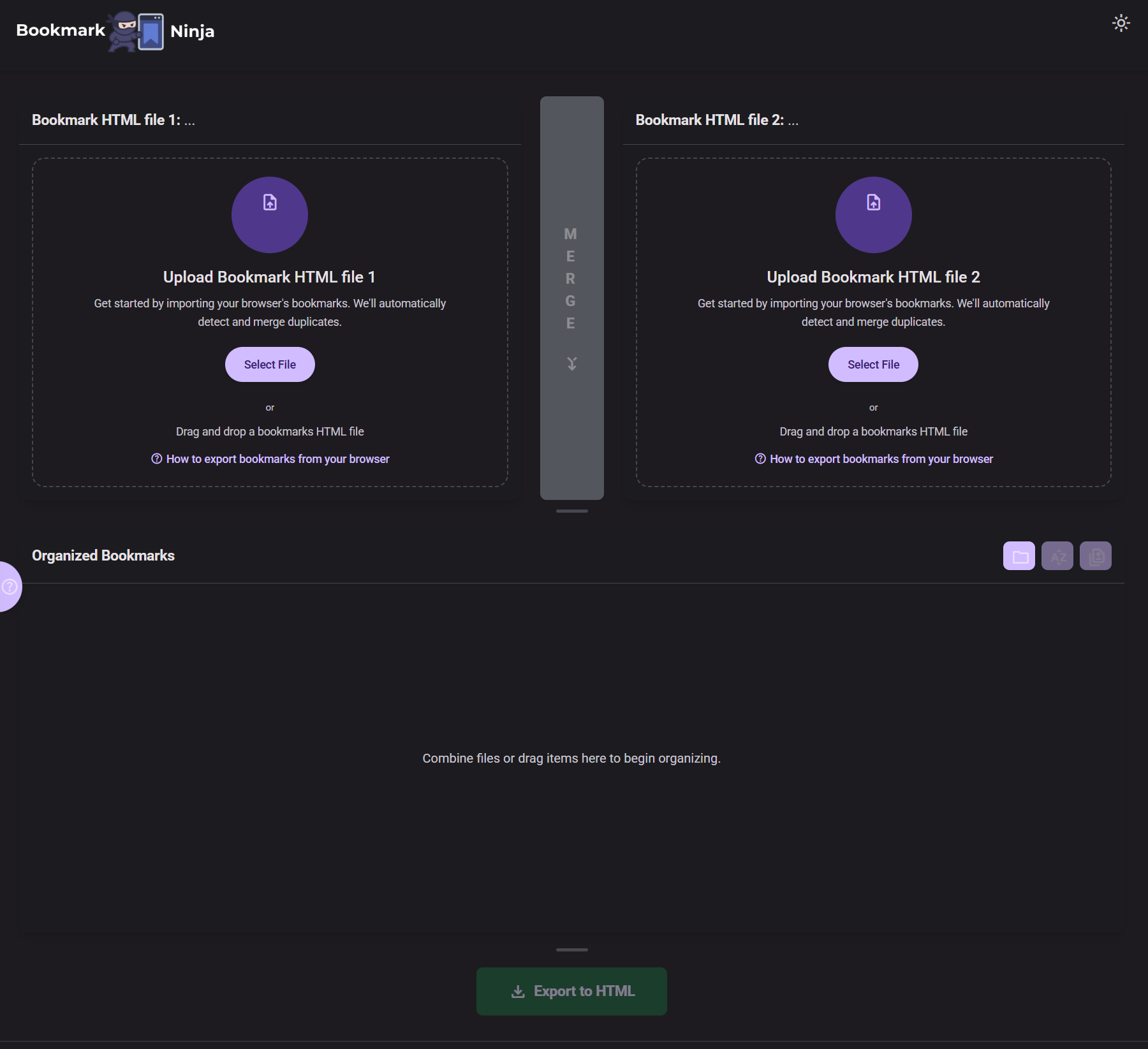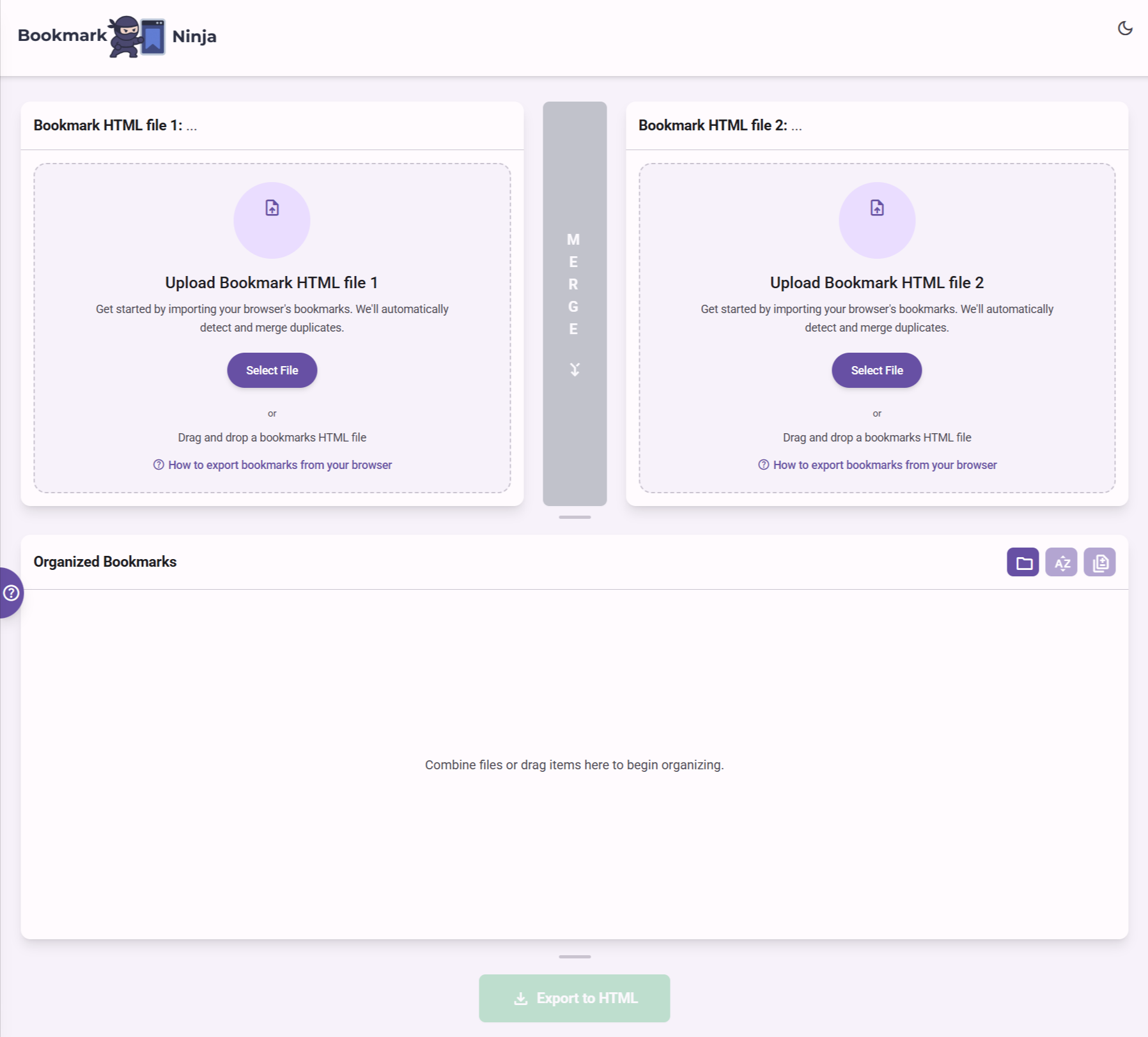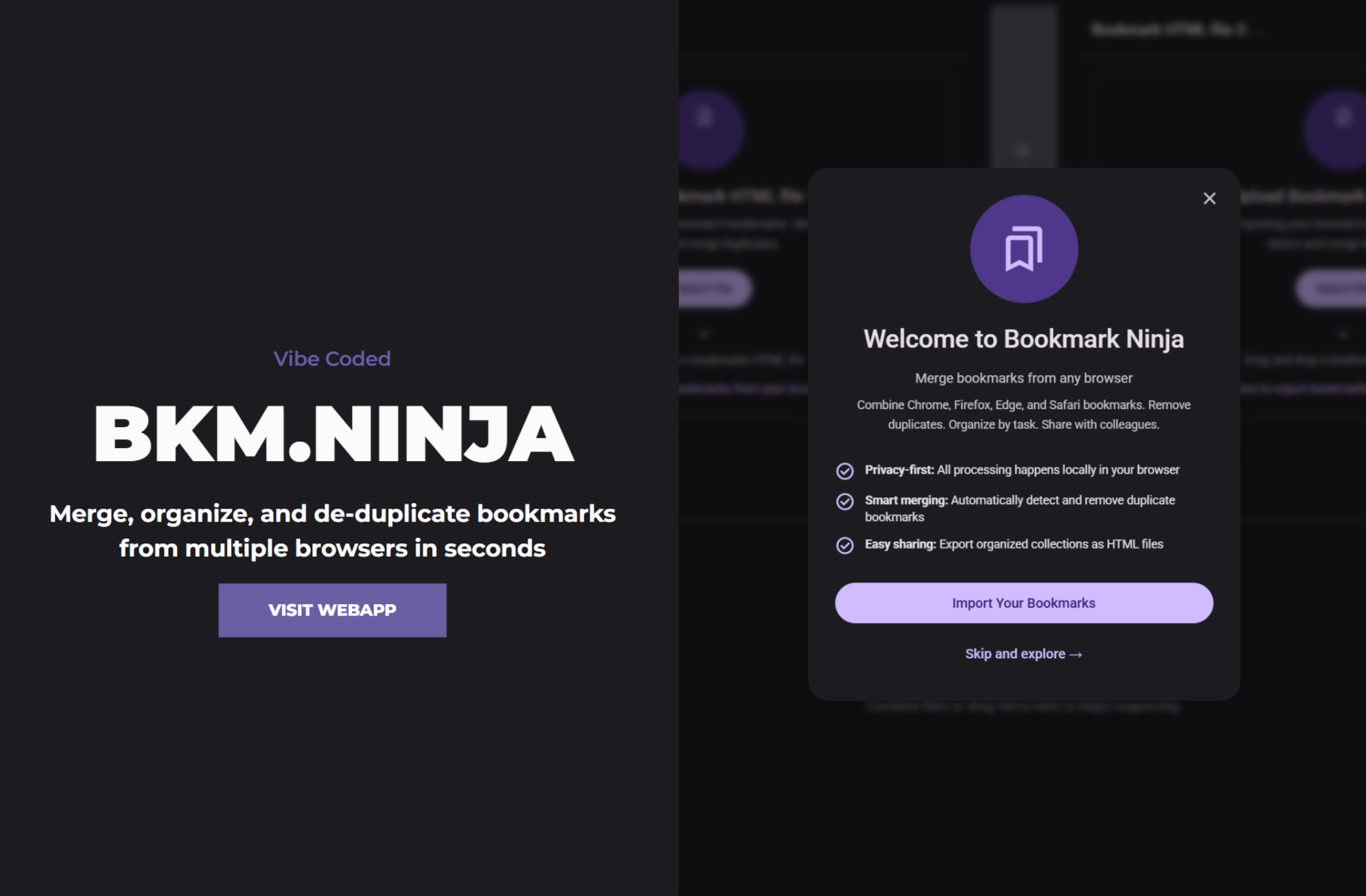

A little while back I tried vibe coding for the first time and the results were….disappointing to say the least. The experience was so frustrating that I was scared I’d be too gun shy to try again. Luckily I’m stubborn and a sore loser. I picked myself up, rubbed some dirt on it, kept learning and tried it again. 

How vibe coding went wrong the last time

It’s hard to know where to start. I watched tutorials for months, tested some examples, learned about agents, kept up with frequent updates and changes to the models that slowly improved their coding capabilities with each iteration. I wasn’t completely green, I’m pretty familiar with a lot of technologies, home lab, and have built and set up many things along the way. I know how to follow instructions, troubleshoot, and find solutions. I thought I was ready and could figure out the rest as I went along. I was wrong.

I didn't start with a proper PRD

a Product Requirements Document, a blueprint that outlines the functionality, features, and objectives of a product to ensure all stakeholders are aligned. It serves as a single source of truth, detailing what needs to be built, why it’s being built, and who it’s for…Google AI Overview

I definitely did not take this part seriously. I now know my lack of preparation caused me to not only use far more tokens than needed, but exhausted the resources of the coding agent (Claude Code)  to remember what it was doing. I thought I could iterate a little at a time the same way I built websites, but that was the absolute wrong strategy. 

My first vibe coding app was far too complicated

I tried to swing for the fences my first time out, far too ambitious for someone who had never coded an app in their life.  It included multiple APIs, an AI agent, knowledge docs, and was multiple pages each more complicated than the last. 

It failed in spectacular fashion. I understood APIs, and even set up a local instance of Qwen3 for the AI functions, but I’d still bitten off more than I could chew. It’s also possible that at the time Claude Code may not have been up for the challenge on it’s own, with no help from me and a piss poor PRD. 

What went right this time: The Process

I started with a much simpler problem to solve this time around. I rely heavily on bookmarks to keep my resources organized. Instead of juggling dozens of open tabs, I keep everything sorted into clear folders and subfolders. Back in my IT support days that system let me instantly find answers while others were still searching.

Today I use multiple browsers for different tasks, which means my bookmark bars are inconsistent. For example, when doing OSINT in Firefox, I want only OSINT tools on that bar. But each browser and profile ends up with a slightly different set of saved links. I needed to organize and compartmentalize which required an easy way to merge bookmarks from every browser and organize them into a clean, task-specific set of resources. I tried asking the existing AI models to sort the files for me, but the results were terrible.

Someone suggested “converting the HTML files into excel spreadsheets and then…”..hold up…let me stop you right there dawg. I ain’t doing all that This should be simple. 

So I set out to build a web app that lets me do exactly that and lets me build and export the newly organized task specific bookmarks file that can be uploaded into any browser.

1. I started with a better PRD

My last failed experiment taught me that the starting strong on the first prompt is extremely important. Build a comprehensive PRD to set the stage and point the coding tool in the right direction was crucial this time around. I followed a couple of templates, put together something decent, and got started.  I would improve upon this later and talk about it below. 

2. The AI coding tools I used

Since I’d gotten comfortable with Claude Code and already had it set up in Visual Studio Code I wanted to try it again, but I was gun shy that it was the best tool for the heavy lifting, so started the development with Google’s AI Studio. I started a new project in AI Studio, gave it my PRD, and it went to work. 

First iteration was 80% there. I realized there were areas where my PRD could have been clearer, and specific functionality that I neglected to included. 

I made about 3 or 4 more passes with AI Studio, testing along the way. I soon entered that stage where it seemed to start losing it’s memory and I cut bait, and downloaded my files. 

Then opened the project in Visual Studio Code with Claude Code already integrated. This time I knew to think carefully about my prompts, provide as many details as possible to limit how many changes I needed to make to get the working app I’d envisioned. 

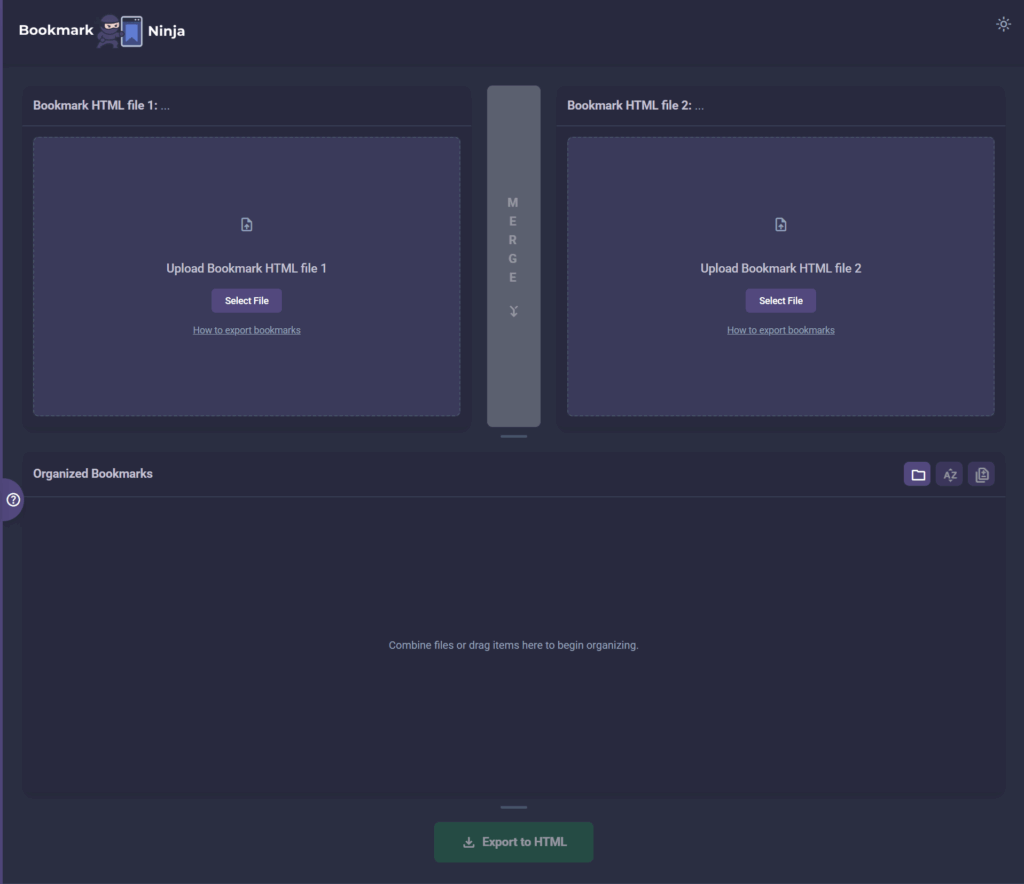
It was pretty much there. I mean it worked, but I wasn’t happy with the styling, and it just didn’t look intuitive. It would have been fine for just me, but I wanted to put it online. 

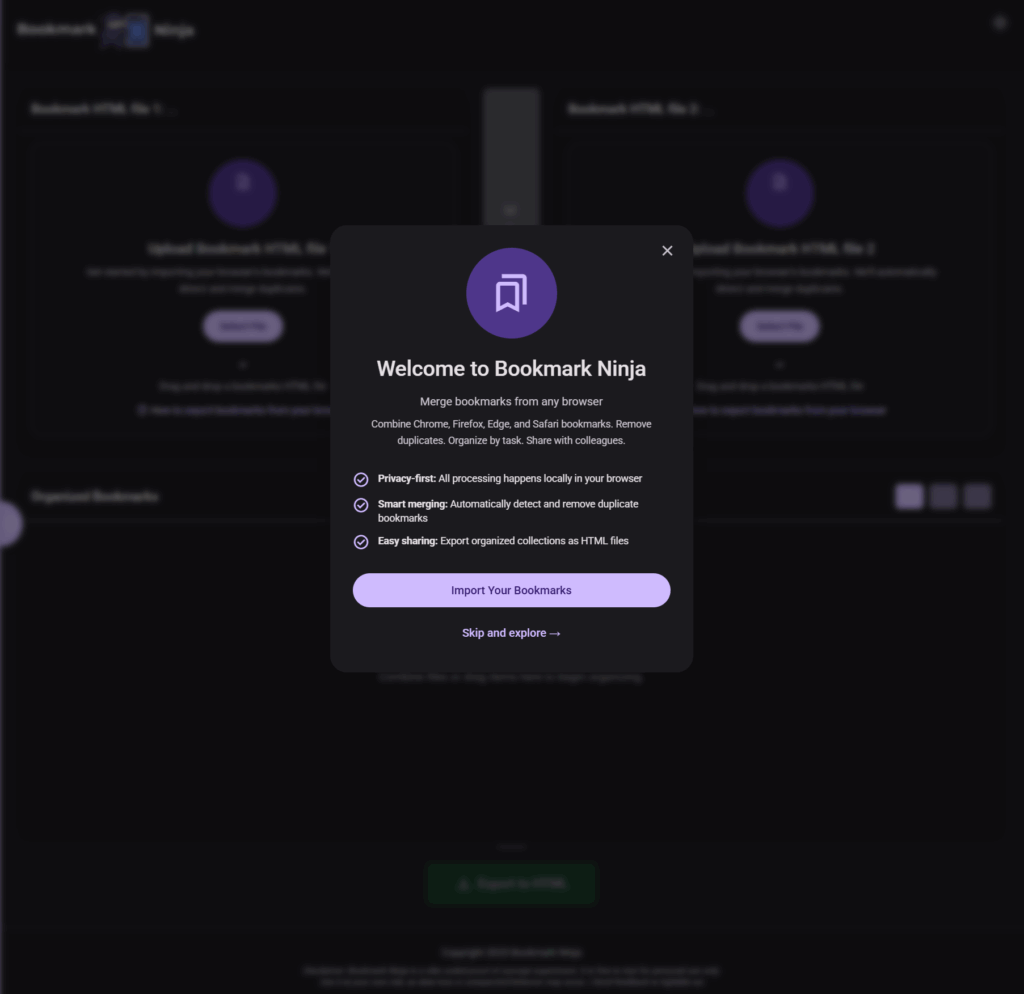
Bookmark Ninja 1 Screenshot

3. Adding more context changed everything

I knew that I still wasn’t fully understanding the process enough to get exactly what I wanted.

I don’t normally believe in spontaneous Viola! moments that “change everything”. I believe it’s the culmination of experience, trial and error and learning that comes together at the right time (now that I write it, I guess that’s exactly what Viola! is). 

While doing my daily YouTubing Julia McCoy’s video “AI Wrote an Entire Company’s Software in Weeks” was playing in the background and I heard these lines:

Brex discovered something that solves one of AI coding’s biggest problems: lack of context.
Every time engineers started a new project or feature, they created a special file for Claude code. In plain English, they explained their final vision for the feature, how it would fit into the overall product architecture, what the business goals were, and any additional context that might be helpful. This dramatically improved Claude Code’s ability to generate working code that needed fewer edits.

Of course! More context. The backbone of pretty much every AI prompt and workflow. I knew this, but for some reason thought my PRD  needed to be technical. I didn’t include any context, examples, nothing. 

So I fired up Claude and asked:

				
					I recently watched a video explaining that context helps coding agents better understand what a developer wants to build. Can you please explain to me, in simple terms how this helps, and give me an example of the type of context I should include in the PRD for my app?


realization gifIt came back with a clear explanation with examples of what I needed to do…what was possible. It also suggested that providing context after the app was already built was not only possible but a good move.

Then I asked it to walk me through the process, question by question, so that it could produce a comprehensive PRD for my app.

It took a while, it was very thorough,  but it finally produced this beautiful mind type of document that included

  • A project overview
  • User personas and how I envisioned it’s use
  • Technical architecture patterns 
  • A complete Material Design 3 color system (I provided examples and a color pallet)
  • UX improvement priorities focused on onboarding and empty states, code quality standards, development constraints emphasizing privacy-first principles, and validation checklists for testing changes.

I also suggested that I may want to monetize so it added:

  • Ad Placement Principles – Clear rules for where ads should and shouldn’t go (max 3 on desktop, 2 on mobile, never blocking core functions)
  • Visual Layout Guides – ASCII diagrams showing recommended ad positions for both desktop and mobile
  • Ad Unit Specifications – Standard Google AdSense sizes (728×90 leaderboards, 300×250 rectangles, 320×50 mobile banners)
  • Implementation Code – Ready-to-use HTML/CSS for styled ad containers that match my purple/lavender design system
  • Privacy Balance – How to be transparent about AdSense tracking while maintaining the privacy-first approach for bookmark data
  • Performance Tips – Lazy loading ads after critical content to keep the app fast
  • A/B Testing Ideas

 It was impressive. I could have never created this on my own. 

4. Test driving the app with the new PRD

I read through it, then fired up my project in Visual Studio Code, added the new PRD document and directed Claude Code to show me what the app would look like if these standards were applied. It created a temporary file and offered a side by side comparison of the current app and what the new app would look like.

It was awesome!

I was able to test drive the new iteration to make sure everything worked, then instructed Claude to make the changes permanent, the PRD doc the standard, pushed to GitHub which I’d already configured to push saved changes to the production app which was already live.

After 1 or 2 minor changes it actually looked and functioned exactly as I had hoped. 

Done. 

5. Bookmark Ninja

Bookmark Ninja

Merge, organize, and de-duplicate bookmarks from multiple browsers in seconds

License: MIT React TypeScript Vite 

✨ Features

  • 📂 Multi-Browser Support – Import bookmarks from Chrome, Firefox, Edge, and Safari
  • 🔄 Smart Merging – Combine bookmarks from multiple sources with duplicate detection
  • 🔍 Duplicate Detection – Automatically find and remove duplicate bookmarks
  • 🗂️ Folder Management – Create, organize, and merge folders with ease
  • ⬆️ Promote Items – Move subfolder contents up to parent folders
  • 🎯 Multi-Select – Select multiple items with Ctrl+Click for batch operations
  • 🌙 Dark Mode – Beautiful light and dark themes
  • 📤 Export – Download organized bookmarks in HTML format compatible with all browsers
  • 🔒 Privacy First – All processing happens locally in your browser, no data sent to servers
  • 📱 Responsive Design – Works on desktop, tablet, and mobile devices
Final Thoughts

Vibe Coding HypeAfter my initial failure I wasn’t sure how soon I’d jump back into it. It seemed like vibe coding was all BS and if you read my 2 previous articles about my first experience I basically said as much. Honestly, I was pissed. But as I said at the top I also hate to lose.

The issues I pointed out with Claude Code at the time were real. That happened. But I also take responsibility for not being prepared, and approaching it with the absolute  wrong mind set. I tried to make it conform to my workflow and what I knew, instead of fully understanding how it actually worked and what it’s limitations were at the time, compared to the hype that I wanted to believe.

Starting with AI Studio for the initial build, then fine tuned with Claude Code in Visual Studio Code seems to be the sweet spot for me. AI Studio is amazing and kicked out about 80% of what I was going after even before I’d created the comprehensive PRD. I continue to be impressed with Google’s AI tools, IMO they are really knocking it out of the park.

How much did this cost me? 

I was able to do this using just the pro versions of AI Studio (included with my Workspace subscription), and ClaudeAI  ($20 mo.) and only timed out my Claude usage once.
I already have a hosting account, and purchased the domain a while back with exactly this project in mind, at the time I just had no idea how I was going to build it.

To answer my initial question 2 months ago, “Can a reasonably tech savvy person vibe code a working app with today’s existing tools?“, I’ve changed my answer: Yes. it is absolutely possible.

BTW, Of course I  considered titling this post; “Vibe Coding 2: Electric Boogaloo“, but decided against it for SEO reasons.